

Turn on EDGE On Time for a Project
Note: In order to use EDGE On Time, the company must be an EDGE On Site customer. There will be a setting added to the users tenant to activate EDGE On Time.
Step 3: Turn on EDGE On Time for a Project
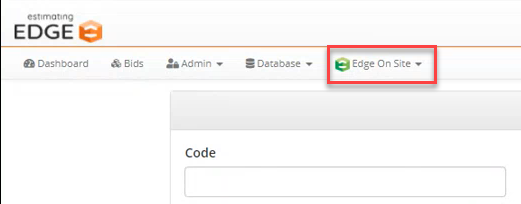
- On the Admin Portal, click the EDGE On Site drop-down.
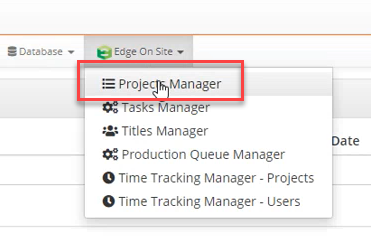
- Click Project Manager.
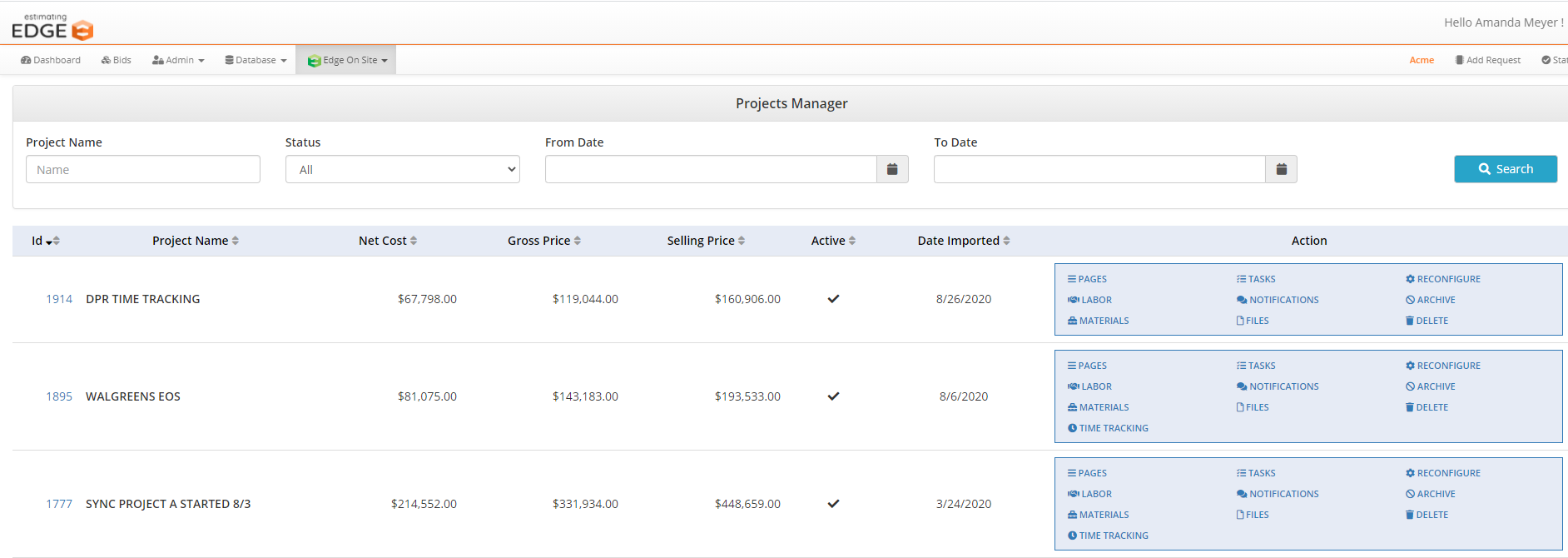
- Find project.

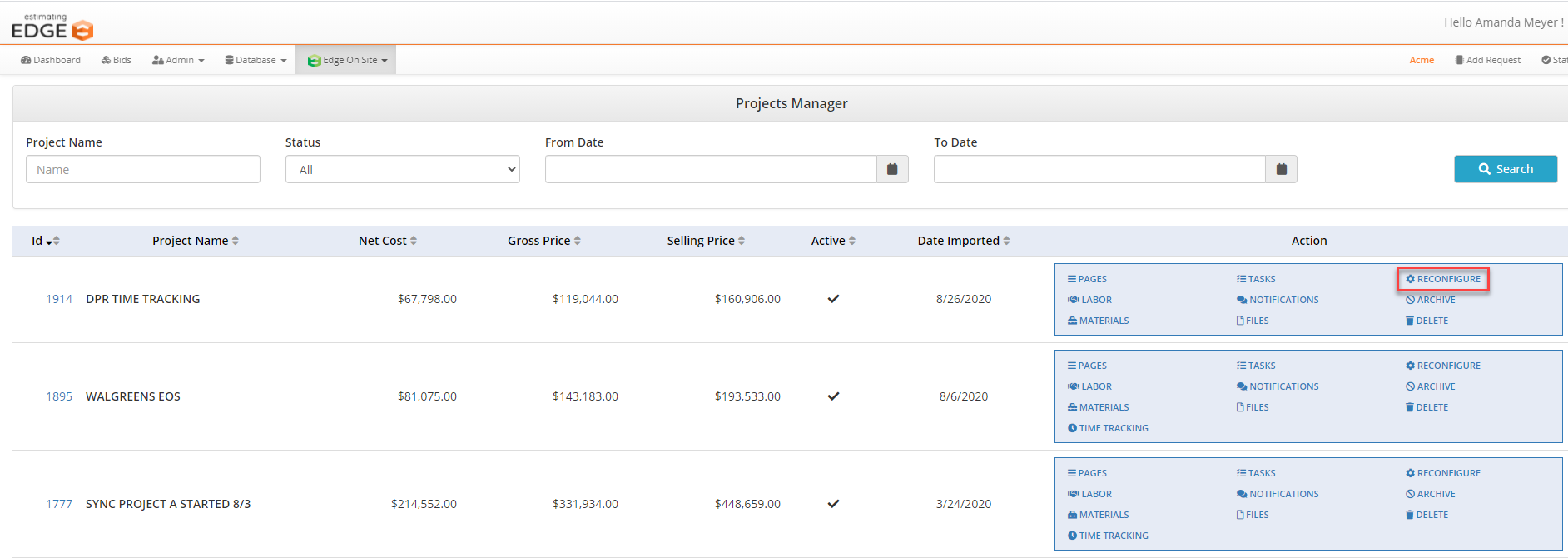
- Click reconfigure (only required to add EDGE On Time to an existing project).
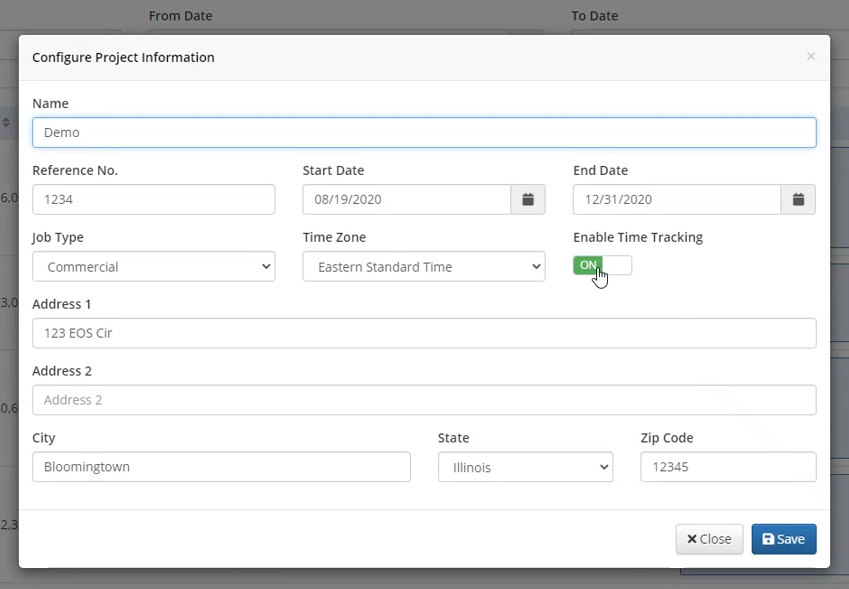
- A pop-up appears called Configure Project Information.

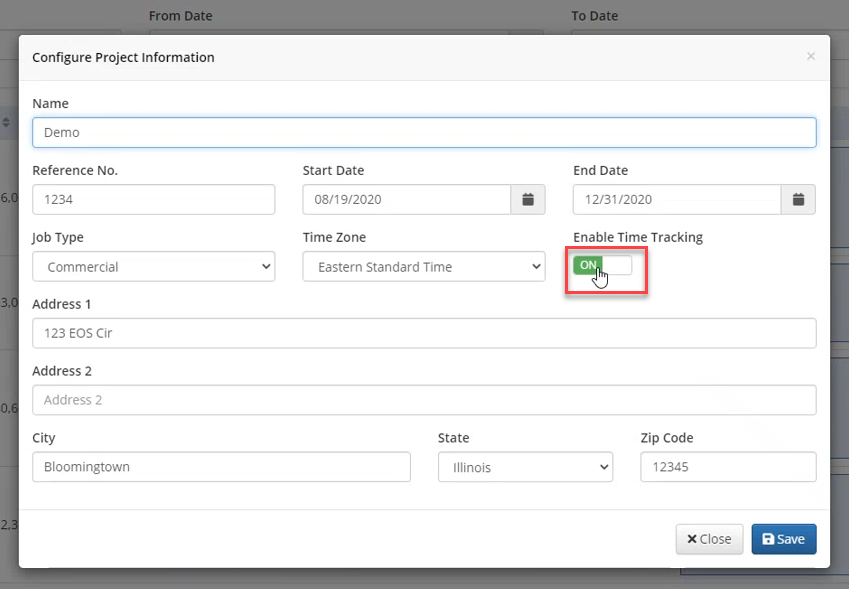
- Switch the toggle to On by clicking on.
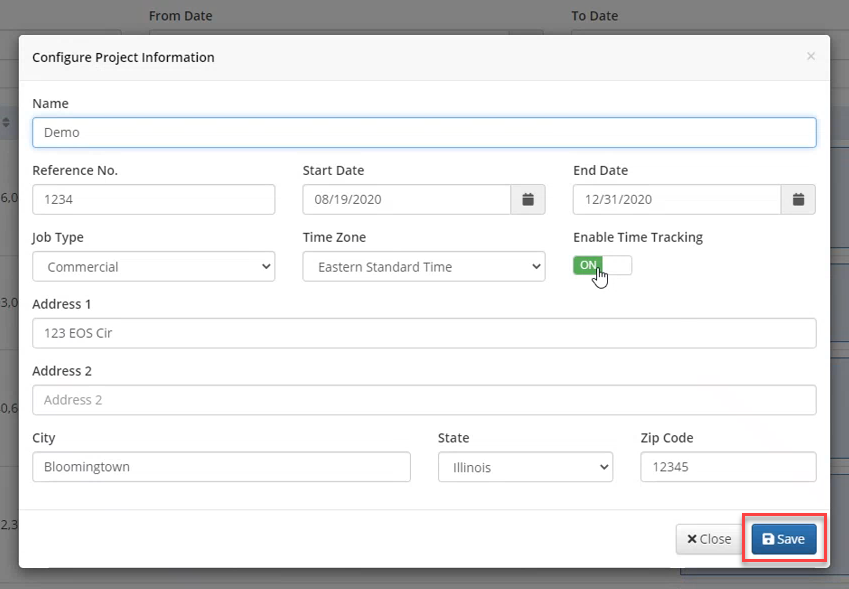
- Click Save.
Was This Article Helpful?
Still Need a Hand with Your Database Setup?